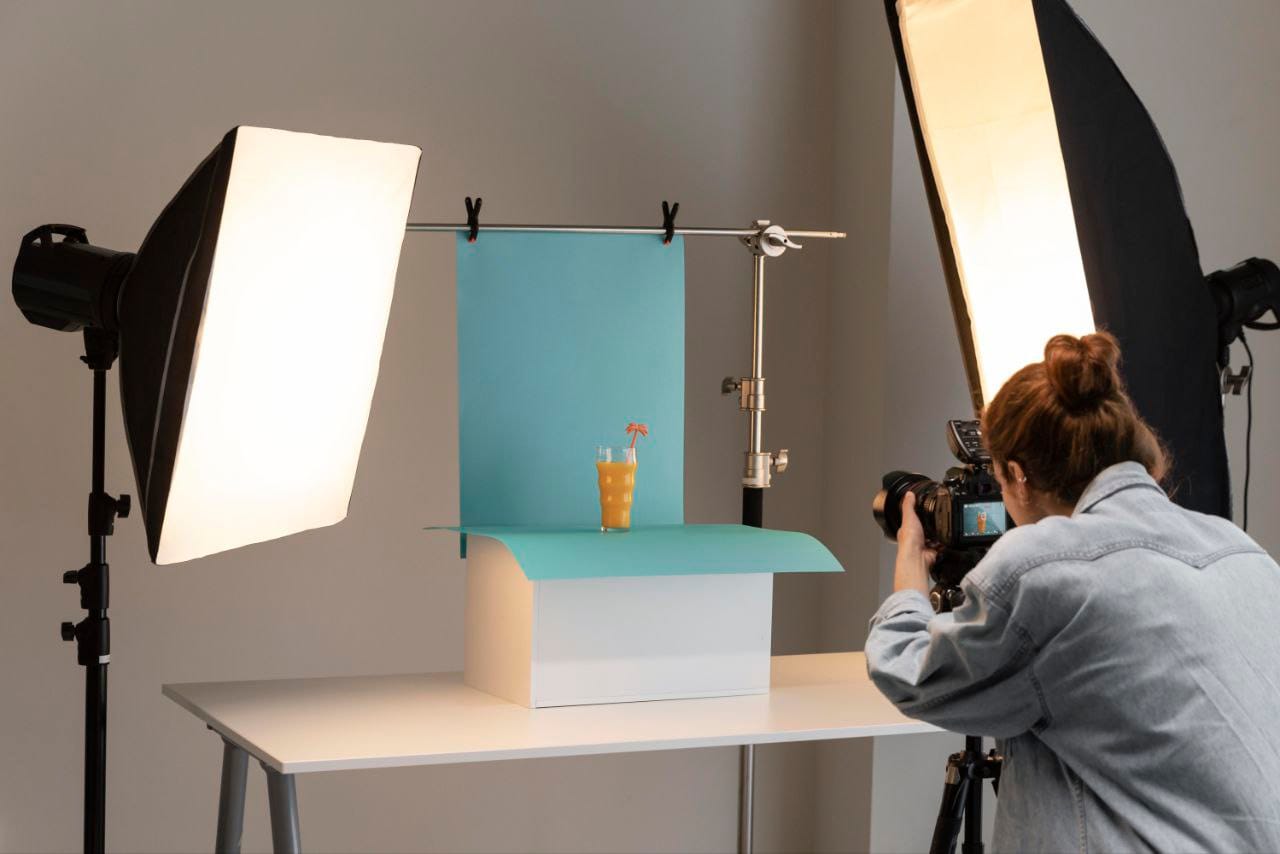
The most compelling product descriptions won’t make a sale if your images fail to grab attention. Product images are often the first thing a shopper notices, and they can make or break the buying decision.
Research shows that high-quality product images can increase conversion rates by up to 33%.
Knowing how to test product images is crucial for online stores. It helps you understand which visuals encourage purchases, what draws attention, and how to maximize sales without spending more. This guide walks you through actionable strategies, examples, and insights to optimize your product visuals.
Why Product Images Are So Important
When it comes to online shopping, images do more than just show your product; they tell your brand’s story. A single photo can communicate quality, context, and trust faster than any headline ever could.
1. First impressions matter: In just a few seconds, shoppers form an opinion about your product. The sharper and more appealing your images are, the more likely customers are to stay interested and explore further.
2. Trust and credibility: Clear, high-resolution images reassure buyers that what they see is what they’ll get. They reduce uncertainty, one of the biggest barriers to online purchases, and make your brand appear reliable and professional.
3. Impact on purchase decisions: Lifestyle photos that show your products in real-life situations consistently outperform plain background images. They help customers see themselves using your product, which can be the final push toward hitting “Add to Cart.”
Even small changes to how a product is visually presented can significantly affect sales.
How to Test Product Images Step by Step
Step 1: Define Your Goal
Start by deciding what you want to achieve. Are you testing to increase conversions, add-to-cart clicks, or overall engagement? Defining the metric will guide your testing and help you measure success accurately.
Step 2: Choose What to Test
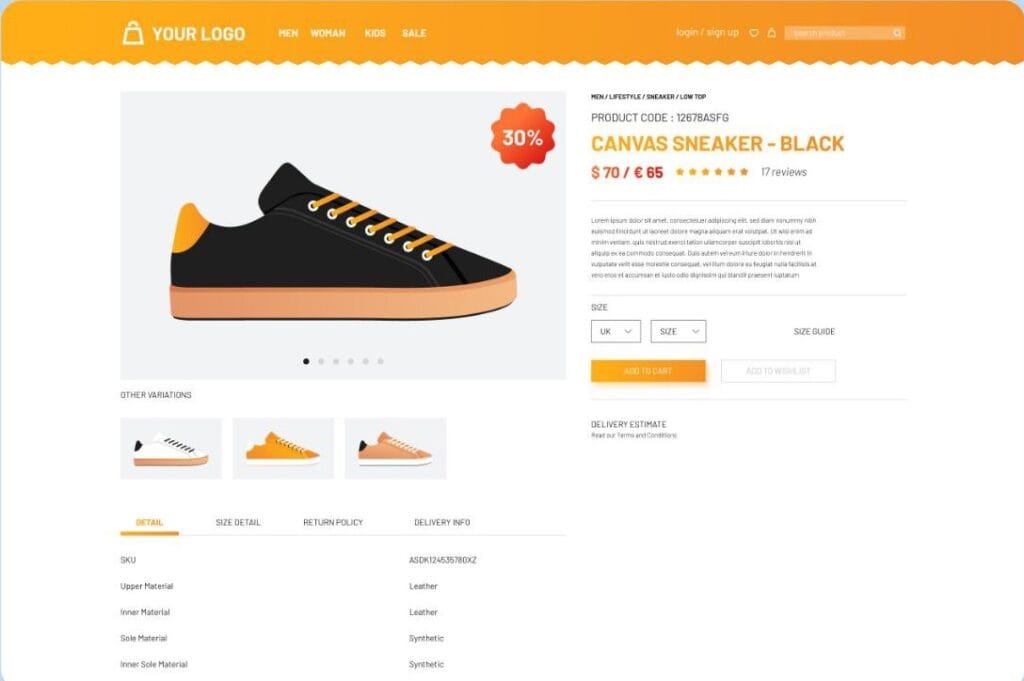
Not all images are created equal. Consider testing variations in:
- Product angles: Front, side, back, or detail shots
- Backgrounds: White, lifestyle, or contextual settings
- Model presence: Showing the product on a person vs alone
- Zoom and size: Close-ups highlighting texture vs full product shots
Eulav can help you identify which images are likely to drive sales, removing the guesswork.
Step 3: Run A/B Tests
A/b testing involves you displaying two or more versions of product images to different groups of visitors. You then measure their performance using metrics like conversion rate, add-to-cart rate, and engagement.
Small differences, like the angle of a product or the background color, can influence a shopper’s decision.
Case study: A fashion brand increased their e-commerce conversion rate by 47% by simply upgrading product photos using better lighting, multiple angles, and on-model shots. Within 60 days, they also saw longer page visits, fewer abandoned carts, and a 32% drop in product returns, proving that great visuals directly drive sales.
Step 4: Analyze and Iterate
Once your tests are complete, evaluate which images performed best. Apply these insights to similar product categories, but don’t stop there; continual testing ensures your visuals remain optimized as trends and shopper behavior evolve.
Best Practices When Testing Product Images
1. Test one variable at a time: This ensures your results are clear and actionable. For instance, only change the background while keeping angles and lighting consistent.
2. Use high-quality images only: Poor resolution can reduce trust and conversions.
3. Incorporate lifestyle or contextual shots: Shoppers respond better when they can imagine using the product.
4. Prioritize fast-loading images: Speed affects both conversion and SEO.
5. Monitor metrics consistently: Don’t rely on assumptions; let data guide your decisions.
Testing product images is not a one-time task. By defining goals, running A/B tests, analyzing results, and iterating continuously, you can discover which visuals drive purchases and maximize revenue.
Small tweaks in angles, backgrounds, or context can make a huge difference in conversion rates. Automated insights from tools like Eulav make the process faster, simpler, and data-driven, helping you create images that truly sell.
Where Eulav fits
Make the most of every visit and see a measurable lift in your first 30 days, or get a refund. Eulav is an AI-powered revenue optimisation platform for ecommerce brands, including Shopify stores, built by a team with over a decade in DTC revenue optimisation. It scans your store, shows where you can sell more, including any hidden blockers, and measures each optimisation you approve. Each optimisation is shown to some of your visitors first, and nothing goes live without your approval.
Spending on traffic? Whether a visit came from paid, organic or email, Eulav helps it convert, so your traffic spend earns more. At 1,000 visits, lifting conversion from 2% to 2.5% turns 20 orders into 25, with no extra ad spend.
Built for your category: Shopify CRO for fashion, beauty, supplement, jewellery, footwear brands. Comparing tools? See alternatives to Intelligems, Shoplift, Hotjar, Convert.
Make the most of the traffic you already invest in. Start with free opportunity finding and 2 optimisations. No card, 60-second setup.